
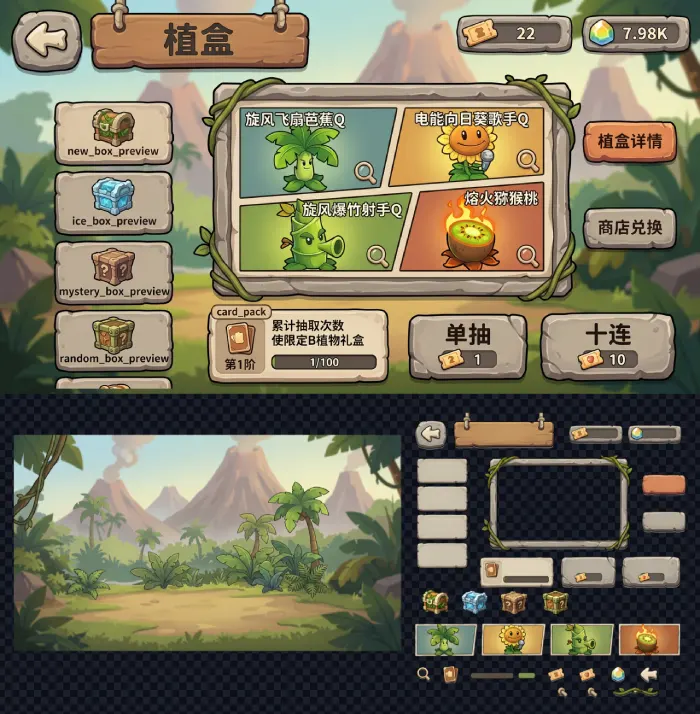
Slicing Tool
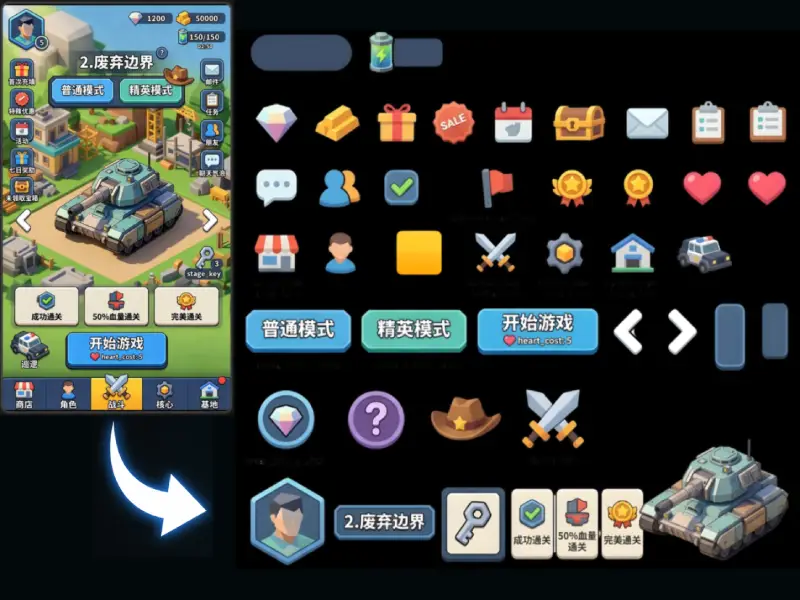
Split UI elements from a game design image into separate production-ready game assets, ideal for buttons, icons, panels, frames, and other reusable resources.
Open toolMultimodal AI game UI platform: from screenshots to production-ready UI asset packs, end to end.
Workflow
Enter your game genre, theme, palette, and target audience to generate a reusable style lock. Drag in or upload screenshots to build layouts and generated screens. Icons, buttons, and panels are sliced automatically, then exported as a production-ready UI asset pack.
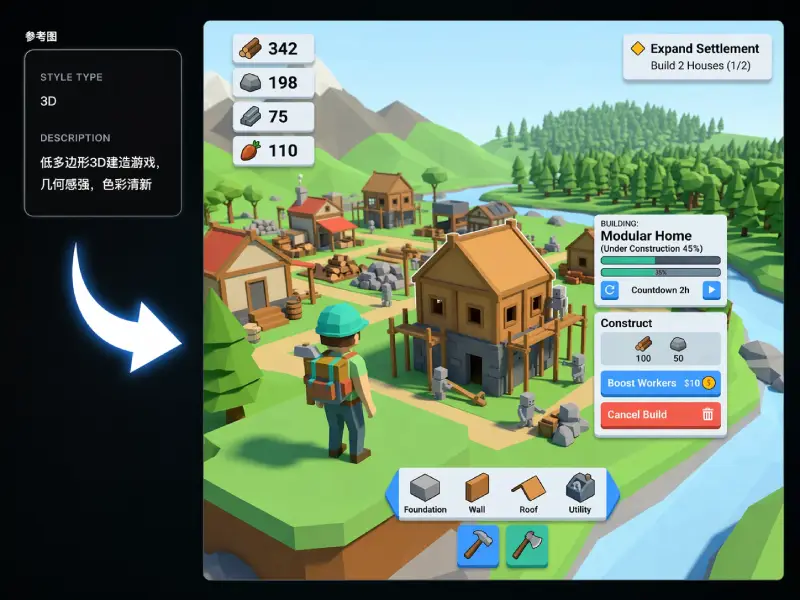
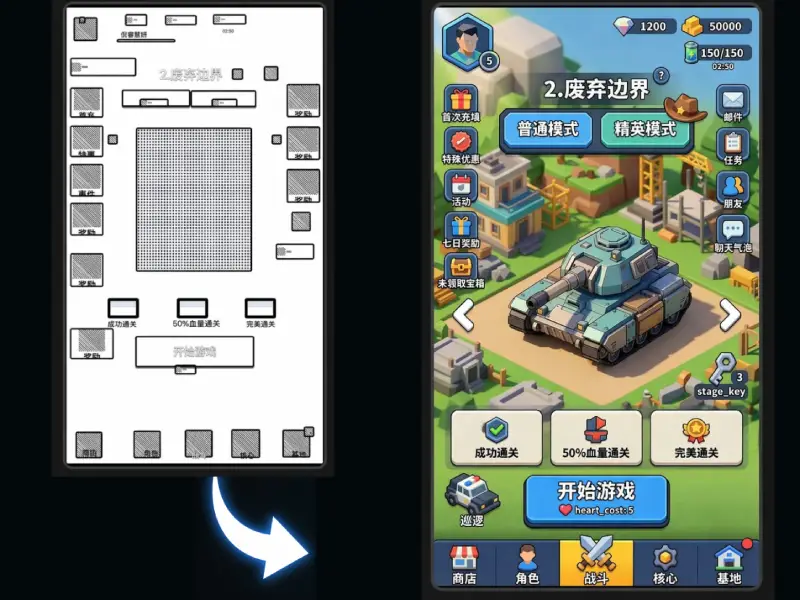
Tools
A practical toolset for game UI production, from slicing a single design into usable assets to one-click reskinning for full asset packs.
Split UI elements from a game design image into separate production-ready game assets, ideal for buttons, icons, panels, frames, and other reusable resources.
Open tool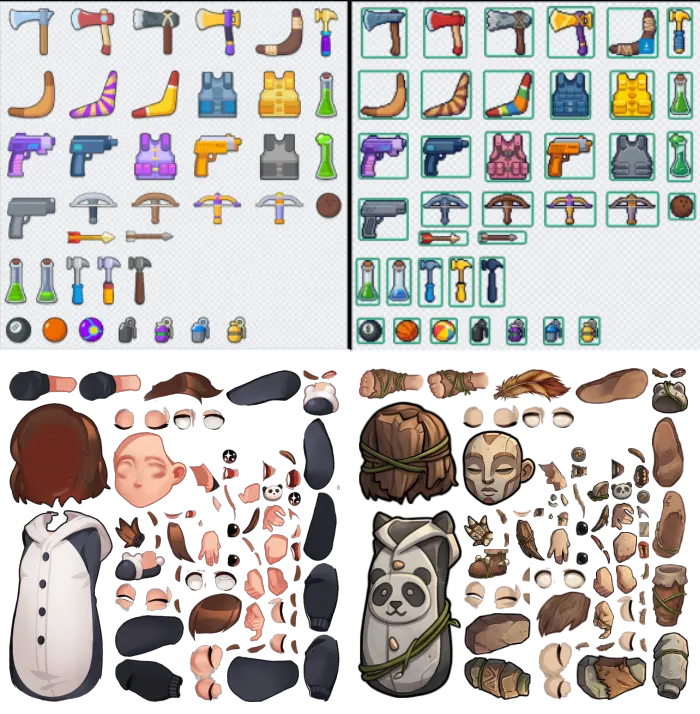
Convert every art asset in a full game package into any style in one click, including UI atlases and skeletal textures, while preserving export paths, names, dimensions, and suffixes exactly.
Open toolPublic